

The best AI prompts for Linux SysAdmins are practical, specific, and safe. Linux SysAdmins do not need more AI hype.
Send me the free Linux AI checklist
They need practical prompts that help them troubleshoot faster, document cleaner, and avoid skipping basic checks when something breaks.
That is the real gap.
Most Linux users, junior admins, and infrastructure engineers already know tools like ChatGPT, Claude, and other AI assistants can help. The problem is not access to AI. The problem is knowing what to ask.
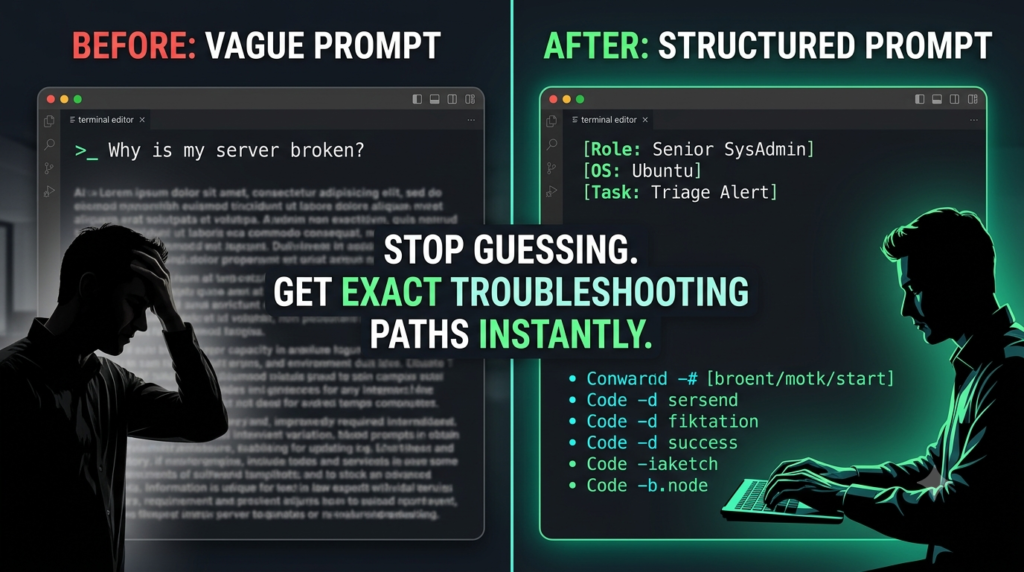
A vague prompt like this usually gives a vague answer:
Why is my Linux server broken?
A stronger prompt gives AI context, constraints, and a clear troubleshooting path:
Act like a senior Linux SysAdmin helping me triage a Linux alert safely. Ask me for missing context first. Then walk me through read-only checks for load, CPU, memory, swap, disk I/O, filesystem usage, systemd services, and logs.
That is the difference.
This article gives you practical AI prompt examples for real Linux administration work, including troubleshooting, logs, systemd, Bash scripting, incident notes, and interview prep.
Free Linux SysAdmin AI Checklist
Want the starter version?
Get the free Linux SysAdmin AI Checklist with practical prompts for:
- Linux server alerts
- Log errors
- systemd failures
- Bash scripts
- Incident notes
- Interview prep
Send me the checklist:
https://toolsunpacked.kit.com/6b720c6864
Why Linux SysAdmins Should Use AI Prompts Carefully
AI can help Linux admins move faster, but it should not replace technical judgment.
A good Linux admin still needs to understand:
- What the command does
- Whether the command is safe
- Whether the system is production or lab
- Whether the issue affects users
- Whether the output actually supports the conclusion
- Whether sensitive information should be redacted before using AI
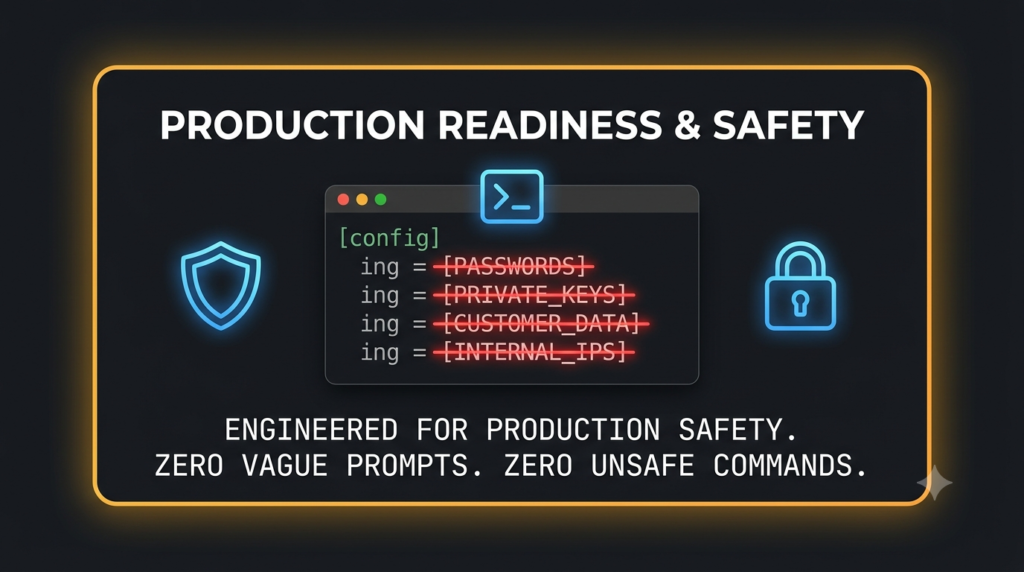
Do not paste passwords, private keys, tokens, customer data, internal hostnames, IP addresses, or sensitive production details into an AI tool.
Also, do not blindly run commands from an AI response.
Use AI as a second set of eyes.
Not as the engineer of record.
What Makes a Good Linux AI Prompt?
A strong Linux prompt usually includes seven things:
- Linux distribution and version
- Server role
- Main symptom
- Exact error message
- Recent changes
- Commands already checked
- Output that needs explanation
Weak prompt:
My service is down. What should I do?
Better prompt:
Act like a Linux Engineer troubleshooting a systemd service that will not start. Help me review systemctl status, journalctl logs, the unit file, permissions, dependencies, environment variables, SELinux, and recent changes. Ask me for missing details before giving a fix plan.
The second prompt is better because it gives AI a role, scope, workflow, and safety boundary.
1. Linux Alert Triage Prompt
Use this when a monitoring alert fires and you need a safe first-pass workflow.
Prompt:
Act like a senior Linux SysAdmin helping me triage a Linux alert safely.
Do not guess. Start with read-only checks first.
Help me check:
- Load average
- CPU usage
- Memory pressure
- Swap usage
- Disk I/O
- Filesystem usage
- Running processes
- Blocked processes
- systemd service status
- Recent logs
- Recent changes
Here is the situation:
Linux distribution/version:
Server role:
Main alert:
When it started:
Recent changes:
Users affected:
Commands already checked:
Output:
Give me:
- The most likely causes based on the symptoms
- The first five safe commands I should run
- What each command tells me
- What would make this urgent
- What I should avoid doing until we know more
Why this works:
This prompt keeps the troubleshooting path safe. It forces AI to start with observation before recommending changes.
2. systemd Service Failure Prompt
Use this when a service fails to start, restart, or stay running.
Prompt:
Act like a Linux Engineer troubleshooting a systemd service that will not start.
Help me review:
- systemctl status
- journalctl logs
- Unit file configuration
- Permissions
- Dependencies
- Environment variables
- SELinux
- Recent changes
Service name:
Linux distribution/version:
What changed recently:
Exact error:
Output of systemctl status:
Output of journalctl -u service-name:
Give me:
- The log lines that matter
- The most likely root cause
- The next three checks I should run
- A safe fix plan
- How to verify the service is healthy after the fix
Why this works:
Many junior admins see a service failure and immediately try to restart it again. This prompt slows the process down and forces a real diagnosis.
3. Linux Log Review Prompt
Use this when logs are noisy and you need help separating signal from noise.
Prompt:
Act like a Linux log analysis assistant.
I will paste logs from journalctl, /var/log/messages, syslog, audit.log, secure, or an application log.
Help me separate useful errors from noise, explain what matters, and suggest the next checks.
Server role:
Service affected:
User impact:
Recent changes:
Logs:
Return:
- Plain-English summary
- Log lines that matter
- Likely root cause
- Next three commands to confirm
- Recommended next step
Why this works:
Logs can overwhelm junior admins. This prompt makes AI summarize what matters without jumping straight to an unsafe fix.
4. Filesystem Almost Full Prompt
Use this when a filesystem is filling up and you need to find the cause safely.
Prompt:
Act like a Linux storage troubleshooting expert.
A filesystem is almost full. Help me find what is consuming space without breaking the system.
Focus on:
- Large directories
- Logs
- Journal files
- Package cache
- Old backups
- Application dumps
- Deleted files still held open
- Safe cleanup options
Linux distribution/version:
Filesystem affected:
Server role:
df -h output:
du output:
Application using this mount:
Recent growth:
Known log rotation issues:
Give me:
- Safe commands to identify space usage
- How to find deleted files still held open
- What is usually safe to clean
- What I should not delete
- A safe cleanup plan with verification steps
Why this works:
Disk issues are common, but dangerous cleanup commands can make things worse. This prompt keeps the focus on safe discovery first.
5. SSH Login Failure Prompt
Use this when a valid user cannot log in over SSH.
Prompt:
Act like a Linux SysAdmin troubleshooting SSH access.
A valid user cannot log in over SSH.
Help me check:
- sshd status
- sshd_config
- Firewall
- PAM
- Locked accounts
- Expired passwords
- Key permissions
- Home directory permissions
- AllowUsers/DenyUsers
- SELinux
Linux distribution/version:
User affected:
Password login or key login:
Exact error:
Can other users log in?
sshd status:
Relevant logs:
Recent changes:
Give me:
- The most likely causes
- The first commands to run
- How to check whether the account is locked or expired
- How to check SSH key and directory permissions
- A safe fix path
Why this works:
SSH issues can come from many layers. This prompt forces a structured path instead of guessing.
6. Bash Script Review Prompt
Use this before running a Bash script in production.
Prompt:
Act like a Linux Engineer doing a production readiness review of a Bash script.
I will paste a Bash script.
Review it for:
- Dangerous commands
- Missing quotes
- Weak variable handling
- Poor error handling
- Unsafe loops
- Bad assumptions
- Permission issues
- Anything that could cause downtime or data loss
Script:
Environment:
Linux distribution/version:
Where script will run:
Runs as root or normal user:
Manual or cron:
Production impact:
Return:
- High-risk issues
- Medium-risk issues
- Safe improvements
- Better error handling
- Safer version of the script
- Final production readiness score from 1–10
Why this works:
AI is useful for reviewing scripts, but only if you make it look for operational risk. This is one of the best use cases for Linux admins.
Related article: Best Bash Scripts for Linux SysAdmins in 2026.
7. Ansible Playbook Review Prompt
Use this before running an Ansible playbook against production servers.
Prompt:
Act like a senior Linux Engineer reviewing an Ansible playbook before it runs in production.
I will paste a playbook.
Review it for:
- Unsafe tasks
- Missing idempotency
- Weak variable handling
- Bad permissions
- Risky shell or command usage
- Missing handlers
- Anything that could cause downtime
Playbook:
Environment:
Linux distribution/version:
Target hosts:
Production or lab:
Services affected:
Runs as root?
Expected result:
Return:
- High-risk issues
- Idempotency problems
- Safer module choices
- Missing handlers or notifications
- Improved playbook version
- Production readiness score from 1–10
Why this works:
Ansible can create huge leverage, but a bad playbook can also break multiple servers quickly. This prompt is built to catch risk before execution.
8. Incident Notes Prompt
Use this after a production issue when you need to write clear notes.
Prompt:
Act like a senior Linux SysAdmin writing post-incident notes after a production issue.
Help me turn rough notes into a clean incident summary that explains what happened, what was impacted, what was done, and what needs follow-up.
Incident summary:
Start time:
End time:
Servers affected:
Services affected:
User impact:
Symptoms:
Commands checked:
Root cause if known:
Fix applied:
Follow-up items:
Give me:
- Clean incident summary
- Timeline
- Impact statement
- Technical findings
- Fix applied
- Follow-up actions
- Open questions
Why this works:
Strong Linux admins do not just fix systems. They document what happened clearly enough for the next engineer, manager, or auditor.
9. Escalation Summary Prompt
Use this when you need to hand off an issue to another team.
Prompt:
Act like a Linux SysAdmin preparing to escalate an issue to another team.
Help me write a clear escalation summary that gives the next team enough context without dumping unnecessary noise.
Issue:
Server role:
Linux distribution/version:
Service/application affected:
User impact:
What I checked:
Important logs:
Commands run:
Current status:
What I need from the next team:
Give me:
- Short escalation summary
- Technical details that matter
- Evidence collected
- What has been ruled out
- What I need help with
- Suggested next owner
- Message I can paste into a ticket or chat
Why this works:
Escalation quality matters. A clean handoff saves time and makes the Linux admin look more senior.
10. Linux Interview Prep Prompt
Use this when preparing for Linux SysAdmin or Linux Engineer interviews.
Prompt:
Act like a Linux Infrastructure interview coach.
Ask me practical Linux interview questions based on real SysAdmin work.
Focus on:
- Troubleshooting
- systemd
- Logs
- Bash scripting
- Networking basics
- Storage
- Permissions
- SELinux
- Incident response
- Production judgment
After each answer, grade me and explain what a stronger engineer would say.
My target role:
My experience level:
Linux distributions I know:
Areas I struggle with:
Give me:
- Ten practical interview questions
- What each question is testing
- A strong answer framework
- Follow-up questions an interviewer may ask
- Mistakes to avoid
Why this works:
A lot of Linux candidates know commands but struggle to explain troubleshooting clearly. This prompt helps turn technical experience into interview-ready answers.
Related article: Best Linux SysAdmin Interview Questions in 2026.
Where AI Helps Linux Admins Most
AI is most useful when it helps with structured thinking.
For Linux work, that means:
- Building troubleshooting checklists
- Reading logs
- Reviewing scripts
- Explaining command output
- Drafting incident notes
- Turning manual steps into SOPs
- Preparing for interviews
- Creating safer first-check workflows
AI is least useful when the prompt is vague or when the admin accepts output without review.
The goal is not to make AI the SysAdmin.
The goal is to make the SysAdmin sharper.
Common Mistakes When Using AI for Linux Work
Avoid these mistakes:
1. Pasting sensitive data
Never paste secrets, tokens, keys, passwords, private hostnames, customer data, or sensitive production details into an AI tool.
2. Running commands blindly
Read every command. Understand what it does. Be careful with commands involving:
- rm
- find -delete
- chmod -R
- chown -R
- systemctl restart
- firewall changes
- storage changes
- package removals
3. Asking vague questions
Bad questions produce weak answers. Add context.
4. Skipping the basics
AI should not make you skip normal checks like logs, disk, memory, services, recent changes, and monitoring alerts.
5. Treating AI as the final authority
AI can suggest a path. The Linux admin still owns the decision.
Recommended Linux AI Workflow
Use this simple workflow:
- Redact sensitive information
- Describe the server role
- Explain the symptom
- Paste safe command output
- Tell AI what you already checked
- Ask for read-only checks first
- Verify every suggestion
- Document what you did
This turns AI from a guessing machine into a useful troubleshooting assistant.
Free Checklist: Start With 10 Linux AI Prompts
If you want the starter version, download the free Linux SysAdmin AI Checklist.
It includes practical prompts for:
- Slow server triage
- systemd failures
- Filesystem issues
- SSH problems
- Log review
- Bash script review
- SELinux denial review
- Escalation summaries
- Incident communication
- Interview prep
Get the free checklist here:
https://toolsunpacked.kit.com/6b720c6864
Want the Full Linux SysAdmin 50 AI Prompt Pack?
The free checklist gives you 10 starter prompts.
The full Linux SysAdmin 50 AI Prompt Pack includes prompts for:
- Linux troubleshooting
- Bash scripting
- Log analysis
- systemd debugging
- Ansible automation
- Documentation
- Runbooks
- Change windows
- Incident response
- Root cause analysis
- Interview prep
It is built for Linux SysAdmins, Linux Engineers, junior admins, help desk techs moving up, and infrastructure teams that want practical AI workflows without unsafe shortcuts.
Use it as a repeatable troubleshooting and automation playbook for logs, services, networking, Bash, security checks and incident documentation.
Final Thoughts
The best AI prompts for Linux SysAdmins are not magic words.
They are structured troubleshooting instructions.
They tell AI:
- What role to play
- What system you are working on
- What symptom you see
- What output you have
- What you already checked
- What you want to avoid
- What kind of answer you need
That is how Linux users, admins, and engineers can use AI safely.
Not to replace their skills.
But to sharpen their workflow.
Frequently Asked Questions
What are Linux SysAdmin AI prompts?
Linux SysAdmin AI prompts are structured instructions designed to help AI tools generate accurate troubleshooting, automation, and documentation guidance.
Which AI tools work best with Linux SysAdmin AI prompts?
ChatGPT, Claude, Gemini, and local LLMs all work well with Linux SysAdmin AI prompts.
Can Linux SysAdmin AI prompts replace experience?
No. They accelerate troubleshooting and documentation but do not replace operational experience.
Prepping for finance or technical interviews?
ToolsUnpacked products are built to help you answer cleaner, avoid preventable mistakes, and show up prepared.
One Comment