

[AFFILIATE DISCLOSURE: This post contains affiliate links. If you purchase through my links, I may earn a commission at no extra cost to you.]
INTRO
Every Linux SysAdmin knows the feeling — you start a new job or land a new client, and the first thing you do is rewrite the same Ansible playbooks you’ve written a dozen times before.
Server baseline setup. User accounts. Firewall rules. Patch management. Again and again.
That’s exactly why I built the Ansible Playbook Starter Pack — 10 production-ready .yml files tested on RHEL 8/9 and CentOS Stream, ready to deploy in minutes.
If you use AI in your Linux workflow, the Linux SysAdmin AI Prompt Pack gives you 50 ready-to-use prompts for troubleshooting, Bash scripting, Ansible, incident response, documentation, and automation. Planning an enterprise platform migration? Review our Ansible Automation Platform 2.7 upgrade checklist before production rollout.
📩 Want my full list of top tools for SysAdmins? Grab the free guide here
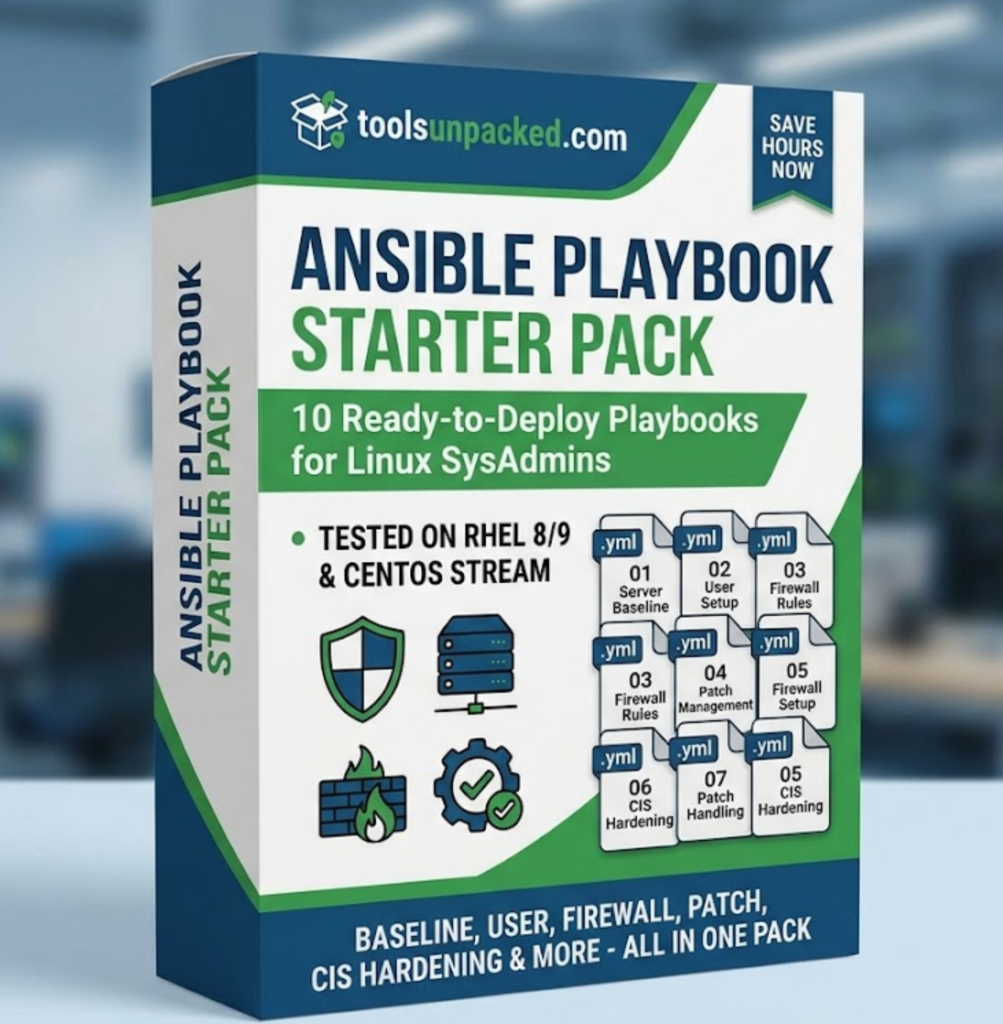
WHAT’S INCLUDED
| # | Playbook | What it does |
|---|---|---|
| 01 | server_baseline.yml | Packages, NTP, SELinux, MOTD |
| 02 | user_setup.yml | Users, SSH keys, sudo, SSH hardening |
| 03 | firewall_setup.yml | firewalld rules for web + admin servers |
| 04 | patch_update.yml | Automated patching with reboot handling |
| 05 | cis_harden.yml | CIS Level 1 hardening baseline |
| 06 | security_alerts.yml | Failed login alerts + account lockout |
| 07 | backup_remote.yml | File/directory backup via rsync |
| 08 | db_backup.yml | MySQL/PostgreSQL backup + rotation |
| 09 | nagios_agent.yml | NRPE agent deploy + standard checks |
| 10 | resource_alerts.yml | Disk/CPU/memory alert thresholds |
Also includes a full README setup guide, sample inventory file, and recommended run order for new servers.
WHO IS THIS FOR
This pack is built for:
- Linux SysAdmins tired of writing the same playbooks at every job
- DevOps Engineers who need a clean, tested starting point
- IT Consultants onboarding new client servers fast
- Home lab builders wanting production-grade automation
If you work with RHEL, CentOS, or any Red Hat-based system — this pack saves you hours immediately.
HOW TO USE IT
Step 1 — Install Ansible
bash
sudo dnf install ansible -yStep 2 — Install required collections
bash
ansible-galaxy collection install ansible.posix community.generalStep 3 — Edit the inventory file Add your server IPs or hostnames to inventory.ini
Step 4 — Test connectivity
bash
ansible all -i inventory.ini -m pingStep 5 — Run your first playbook
bash
ansible-playbook 01_server_baseline.yml -i inventory.iniThat’s it. A brand new server is configured in minutes.
RECOMMENDED RUN ORDER FOR NEW SERVERS
For a fresh server run the playbooks in this order:
01_server_baseline.yml02_user_setup.yml03_firewall_setup.yml05_cis_harden.yml06_security_alerts.yml09_nagios_agent.yml10_resource_alerts.yml
Then add backup playbooks based on your environment.
PRICING
The Ansible Playbook Starter Pack is available for $27 — a one-time purchase with free lifetime updates.
👉 Get the Ansible Playbook Starter Pack here
GET MY FREE AI TOOLS GUIDE
Want my full list of top tools for SysAdmins and solopreneurs in 2026?
👉 Download the Free Guide here
No spam. Unsubscribe anytime.
FREQUENTLY ASKED QUESTIONS
What systems are these playbooks tested on? All 10 playbooks are tested on RHEL 8, RHEL 9, and CentOS Stream 9.
Do I need Ansible experience to use these? Basic Ansible knowledge is recommended. The README guide walks you through every step.
What version of Ansible do I need? Ansible 2.12 or higher is required.
Can I modify the playbooks for my environment? Yes — every playbook has a vars: section at the top for easy customization.
Do I get updates when new playbooks are added? Yes — free lifetime updates included with every purchase.
Can I use these for client work? Yes — personal and commercial use license included.
RELATED ARTICLES
- How AI Tools Solve Linux Server Monitoring 2026
- Best AI Tools for Solopreneurs 2026
- Best Notion Templates for Solopreneurs 2026
Stop watching. Start solving.
Practice Linux, AWS, PostgreSQL, and cross-layer production incidents with evidence packs, progressive hints, scoring, and validation.
One Comment