

“Want my free guide — 15 AI Tools That Actually Save You Time in 2026? Grab it free here“
AI video generation has gone from a novelty to a legitimate production tool in less than two years. Tools that used to produce blurry, glitchy 3-second clips now generate cinematic video that would have required a production team in 2023.
Kling AI is at the center of that shift.
I’m Shelton — a Linux Systems Administrator who tests AI tools the same way I test infrastructure. Does it actually deliver under real conditions or does it just look impressive in a demo reel?
Here’s my honest Kling AI review after putting it through its paces in 2026.
What Is Kling AI?
Kling AI is an AI video generation platform developed by Kuaishou Technology — one of China’s largest video platforms with over 700 million users. Launched internationally in 2024 and significantly upgraded through 2025 and 2026, Kling AI generates high-quality video from text prompts or images.
You type a description. Kling AI generates a video clip. It’s that simple — and the quality is genuinely impressive.
In a crowded field that includes Sora, Runway, and Pika, Kling AI has established itself as one of the top two or three options for AI video generation in 2026 — particularly for its motion quality and longer video duration capabilities.
Who Is Kling AI For?
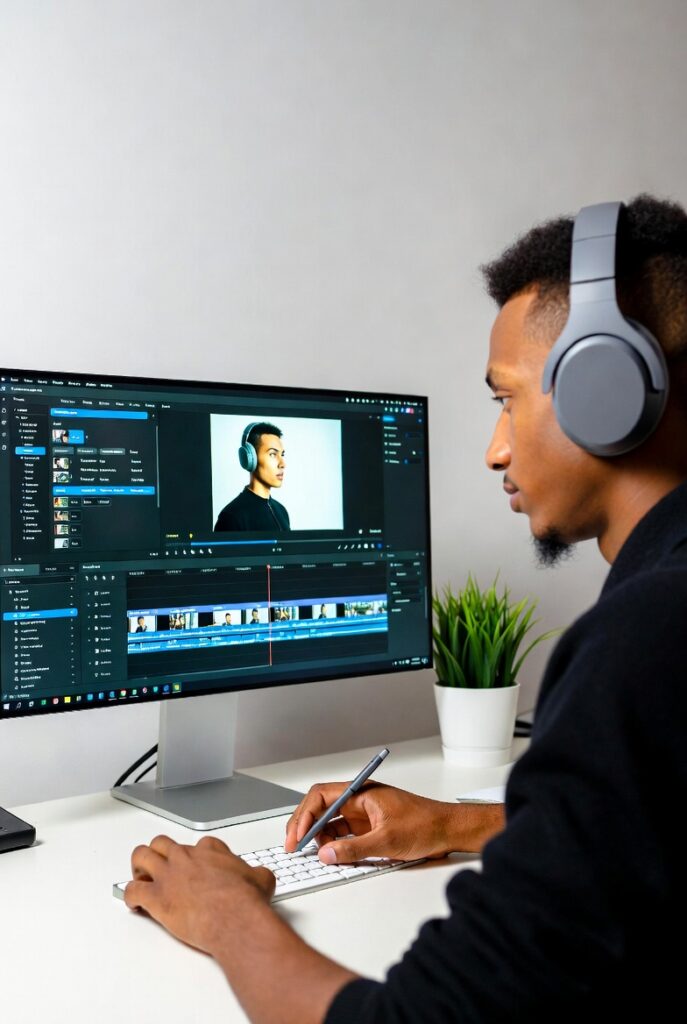
Kling AI is built for anyone who needs video content without a video production team:
- YouTube creators — generate B-roll, intros, and visual content
- Social media marketers — create scroll-stopping video for Instagram and TikTok
- Solopreneurs and small businesses — product visualizations and marketing videos
- Educators and course creators — animated explainer content
- Developers and tech professionals — prototype visual concepts quickly
- Agencies — rapid video production for clients
If you currently spend money on stock footage or video freelancers, Kling AI is worth evaluating as a replacement.
Kling AI Features — What You Actually Get
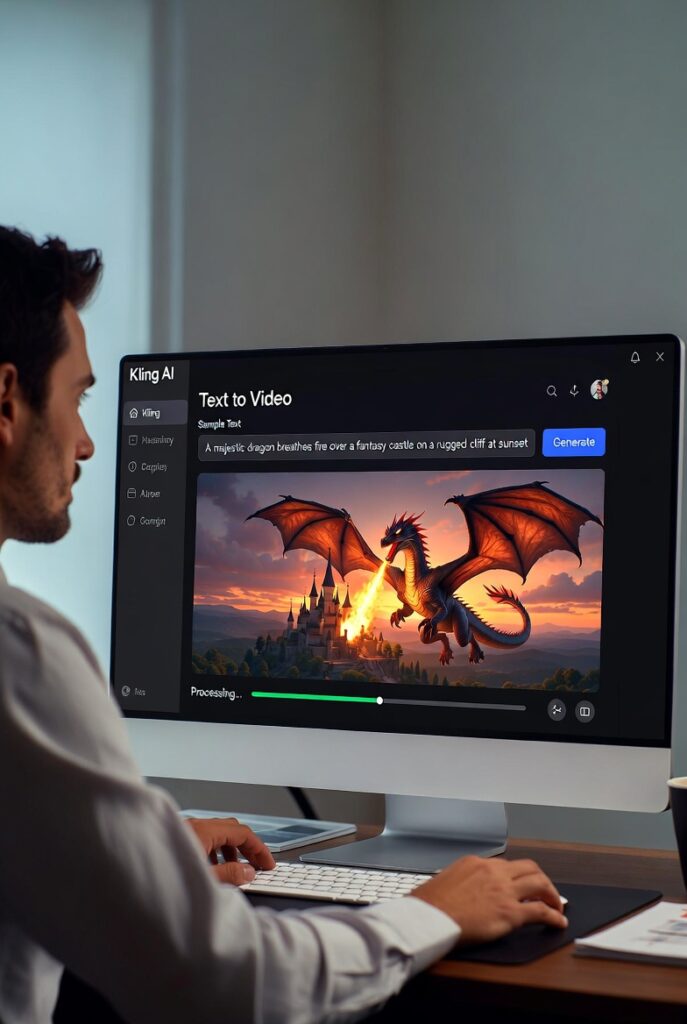
Text-to-Video Generation
The core feature. Type a prompt describing what you want to see and Kling AI generates a video clip. The motion quality is one of Kling AI’s biggest differentiators — movements are fluid and natural compared to many competitors that produce jerky, unnatural motion.
What makes it stand out: Kling AI supports up to 3-minute video generation at 1080p resolution — significantly longer than most competitors. Sora caps at 60 seconds on most plans. Runway ML generates 4-second to 16-second clips on standard plans. Kling’s longer duration support makes it more practical for real content production.
Image-to-Video Generation
Upload a still image and Kling AI animates it. Product photos become rotating 3D showcases. Portraits become animated. Landscapes become cinematic panning shots. This feature alone has significant commercial value for e-commerce and marketing teams.
Camera Controls
Kling AI includes professional camera movement controls — zoom, pan, tilt, dolly — that most AI video tools don’t offer at this quality level. You can specify exactly how the virtual camera should move through your generated scene.
High-Resolution Output
Kling AI generates video at up to 1080p with plans for 4K output on higher tiers. For a content creator publishing to YouTube or Instagram this is production-ready quality.
Lip Sync
Kling AI’s lip sync feature generates talking head videos from a photo and audio file. Upload a portrait and a voice recording — Kling generates a realistic video of that person speaking. Combined with ElevenLabs for AI voice generation this creates a complete AI video production pipeline.
Also Worth Considering — Synthesia for Business Video
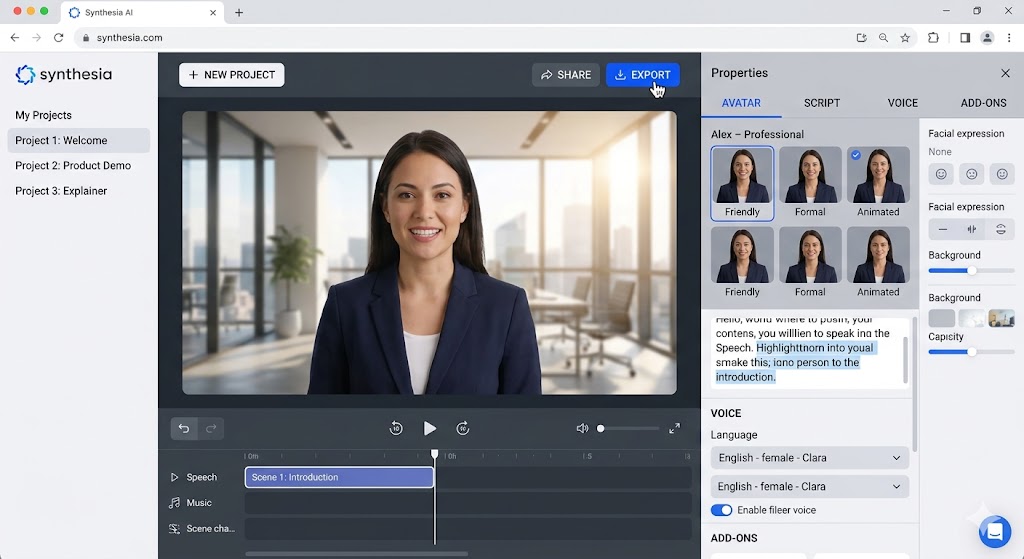
If your goal is professional business video with AI avatars rather than cinematic AI-generated scenes, Synthesia is the better tool. While Kling AI excels at creative video generation from text prompts, Synthesia specializes in talking head videos, corporate training content, and product demos using realistic AI avatars.
The two tools serve different use cases — use Kling AI for creative marketing video and social content, use Synthesia for professional business communication and training videos.
Kling AI Pricing — Is It Worth It?
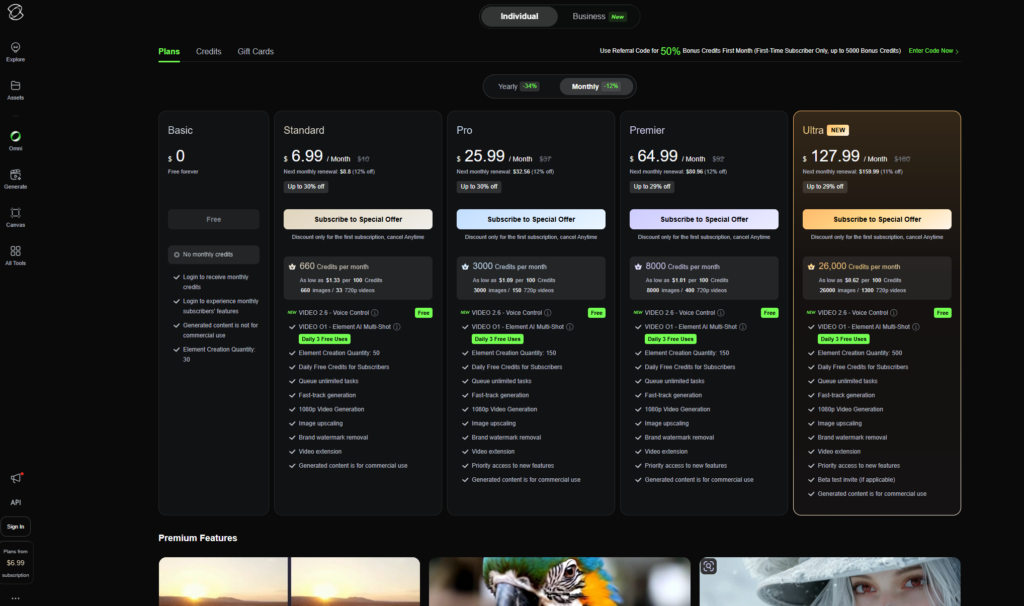
How credits work: Each video generation costs a certain number of credits depending on length and quality settings. A standard 5-second 720p clip costs approximately 35 credits. A high-quality 30-second 1080p clip costs significantly more.
Is the free plan useful? Yes for testing. The daily credit limit is enough to evaluate the quality before committing. But for regular content production you’ll need at least the Starter plan.
Best value: The Pro plan at $29.99/month gives you 3,000 credits — enough for approximately 85 high-quality video generations per month. For a content creator publishing 3–5 videos per week this is sufficient.
👉 Try Kling AI free here ← replace with Kling AI affiliate link when approved
Kling AI vs The Competition
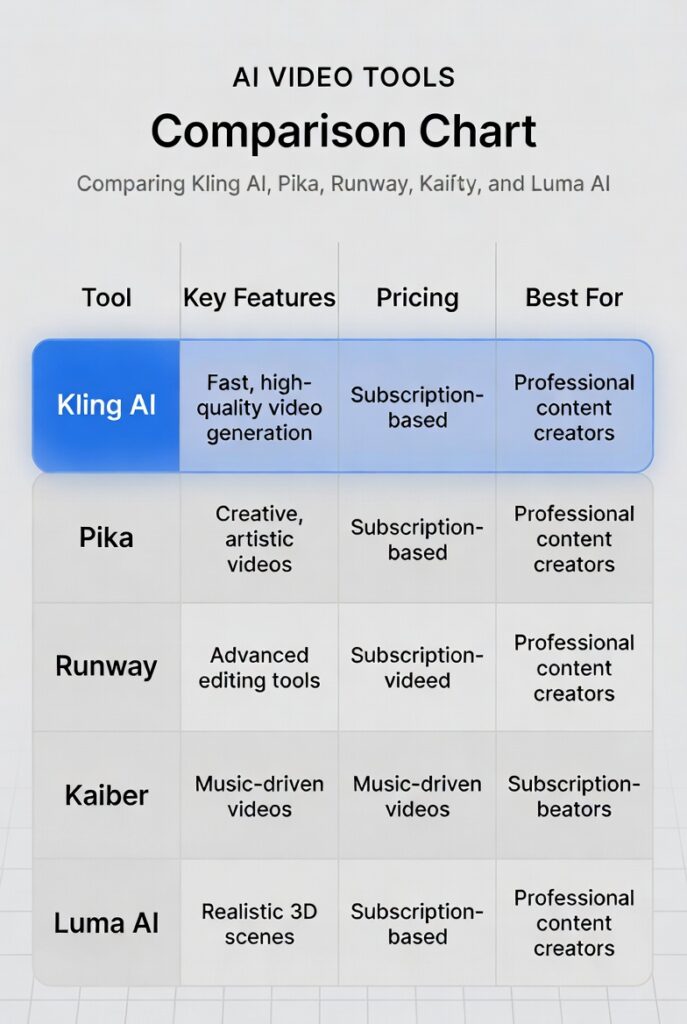
| Feature | Kling AI | Sora | Runway ML | Pika |
|---|---|---|---|---|
| Max video length | 3 minutes | 60 seconds | 16 seconds | 10 seconds |
| Resolution | 1080p | 1080p | 1080p | 1080p |
| Image to video | ✅ Yes | ✅ Yes | ✅ Yes | ✅ Yes |
| Camera controls | ✅ Advanced | ✅ Good | ✅ Good | ❌ Limited |
| Lip sync | ✅ Yes | ❌ No | ❌ No | ❌ No |
| Free plan | ✅ Yes | ❌ No | ✅ Limited | ✅ Yes |
| Starting price | $9.99/mo | $20/mo | $12/mo | $8/mo |
| Motion quality | ⭐⭐⭐⭐⭐ | ⭐⭐⭐⭐⭐ | ⭐⭐⭐⭐ | ⭐⭐⭐ |
Vs Sora: Both produce excellent quality video. Sora has no free plan and starts at $20/month. Kling AI wins on price, free plan availability, lip sync, and longer video duration. Sora edges ahead on some complex prompt interpretation.
Vs Runway ML: Kling AI wins on video length, lip sync, and price. Runway wins on integration with professional video editing workflows.
Vs Pika: Kling AI wins on quality, length, and features. Pika is cheaper but the quality difference is visible.
Real Use Cases — What I’d Use It For

YouTube B-roll: Generate cinematic background footage to cover voiceover segments. A video about Linux server monitoring could use AI-generated server room footage instead of expensive stock video.
Social media content: Create 10–15 second visual clips for Instagram Reels and TikTok. AI-generated visual content stops the scroll without requiring a camera crew.
Product demonstrations: For digital product sellers — animate screenshots and mockups into video walkthroughs. Show your Notion template or dashboard product in motion.
Course content: Generate animated visual explanations of technical concepts. A Linux tutorial explaining how containerization works could use AI-generated visual metaphors.
Client pitches: Agencies can generate rough visual concepts for clients in minutes instead of commissioning video production.
What I Don’t Like About Kling AI
The credit system is opaque. Understanding exactly how many credits each generation costs before you run the generation is frustrating. You sometimes burn more credits than expected on a generation that doesn’t produce what you wanted.
Generation time varies. Complex prompts can take 3–8 minutes to generate. During peak usage times this extends further. Not ideal when you’re in a production flow.
Prompt sensitivity. Like most AI video tools, Kling AI requires well-crafted prompts to produce good results consistently. Vague prompts produce generic or unexpected results. There’s a learning curve to prompt writing that takes experimentation.
Content restrictions. Kling AI has strict content moderation — more aggressive than some competitors. Certain creative directions get blocked even when they’re clearly legitimate.
The AI Video Production Stack
For maximum results combine Kling AI with these tools:
| Tool | Role | Cost |
|---|---|---|
| Kling AI | Video generation | $9.99–$29.99/mo |
| ElevenLabs | AI voiceover | Free–$5/mo |
| Canva | Thumbnail + graphics | Free–$15/mo |
| DaVinci Resolve | Video editing | Free |
| ChatGPT | Script writing | Free |
Total production cost: $10–$50/month for a complete AI video production pipeline that previously required thousands in equipment and freelancers.
Final Verdict
Kling AI Rating: ⭐⭐⭐⭐½ (4.5/5)
Kling AI is one of the two or three best AI video generation tools available in 2026. The combination of longer video duration, excellent motion quality, lip sync capability, and competitive pricing makes it the strongest option for content creators and solopreneurs building video content workflows.
The free plan is sufficient for evaluation. The Pro plan at $29.99/month is the sweet spot for regular content creators.
If you create YouTube content, social media video, or any visual marketing material — Kling AI belongs in your toolkit.
👉 Try Kling AI free here ← replace with Kling AI affiliate link when approved
Frequently Asked Questions
Is Kling AI free to use? Yes — Kling AI offers a free plan with limited daily credits. It’s sufficient for testing the quality before committing to a paid plan.
How long can Kling AI videos be? Kling AI supports video generation up to 3 minutes in length — significantly longer than most competitors. Standard generations on lower plans produce 5–10 second clips by default.
Is Kling AI better than Sora? Both produce excellent quality video. Kling AI wins on price, free plan, lip sync, and longer video duration. Sora has an edge on some complex scenes. For most content creators Kling AI offers better value.
Can Kling AI generate videos from images? Yes — Kling AI’s image-to-video feature animates still images into video clips. This is particularly useful for product photography and portrait animation.
What resolution does Kling AI output? Kling AI generates video at up to 1080p resolution on current plans. Higher resolution output is available on Premier plans.
Is Kling AI safe to use for commercial content? Yes — Kling AI allows commercial use of generated content on paid plans. Always review the current terms of service for your specific use case.
— Shelton Linux Systems Engineer & Founder of ToolsUnpacked.com
Prepping for finance or technical interviews?
ToolsUnpacked products are built to help you answer cleaner, avoid preventable mistakes, and show up prepared.
Solid review of Kling. One thing worth noting: Kling 3.0’s strength is its motion physics — it handles object-level motion better than most. But for image-to-video with natural character movement, the competition has closed the gap significantly in the past few months. The market has moved fast enough that rankings shift between review cycles.