
Disclosure: This post contains affiliate links. If you buy through my links I may earn a commission at no extra cost to you. I only recommend tools I’ve personally tested.
If you’ve searched for AI writing tools lately you already know the problem — every review site says every tool is “amazing” and “a game changer.” Nobody tells you what actually works.
Want the exact AI writing stack I’d use before paying for another tool?
Most people waste money testing writing apps that all promise the same thing. I put together a free ToolsUnpacked AI Tools Checklist so you can see which tools are actually useful before adding another subscription.
I’m Shelton, a Linux Systems Administrator who has been testing AI tools for the past year. I evaluate software the same way I evaluate infrastructure — does it actually perform under real conditions, or does it just look good in a demo?
Here’s my honest breakdown of the best AI writing tools available in 2026.
What to Look For in an AI Writing Tool
Before I get into the reviews, here’s how I evaluated each tool:
- Output quality — Does it produce content you can actually use or does it need heavy editing?
- Speed — How fast does it generate content?
- Accuracy — Does it make things up or stay factual?
- Pricing — Is the cost justified by the results?
- Ease of use — Can a non-technical person use it effectively?
1. Writesonic — Best Overall AI Writing Tool
Best for: Blog posts, landing pages, ad copy
Writesonic is the tool I recommend most often to solopreneurs and small business owners. It strikes the best balance between output quality and price.
What I like: The article generation is fast and the output is cleaner than most competitors. I tested it on 10 different blog post topics and 8 of them required minimal editing. The interface is straightforward — you don’t need a tutorial to get started.
It also includes a built-in SEO mode that suggests keywords as you write. For someone building a content-driven business this is genuinely useful.
What I don’t like: The free plan is limited. You’ll hit the word limit quickly if you’re producing content daily. The paid plan starts at $16/month which is reasonable but not free.
Pricing: Free plan available. Paid plans start at $16/month.
Verdict: 4.5/5 — The best all-around AI writing tool for content creators and small business owners.
2. Grammarly — Best for Editing and Proofreading
Best for: Anyone who publishes written content
Grammarly is not a content generator — it’s a writing assistant that catches errors, improves clarity, and makes your writing more professional. Every piece of content I publish goes through Grammarly before it goes live.
What I like: The Chrome extension works everywhere — Gmail, WordPress, Google Docs, social media. It catches errors that standard spell check completely misses. The tone suggestions are surprisingly accurate.
The premium version adds plagiarism checking which is valuable if you’re using AI-generated content and want to verify originality.
What I don’t like: The free version is solid but the best features require premium. At $12/month it’s not expensive but it’s another subscription to manage.
Pricing: Free plan available. Premium starts at $12/month.
Verdict: 4.5/5 — Non-negotiable if you publish any written content online.
Bonus Tool — JotForm: Capture Leads From Every Article You Write
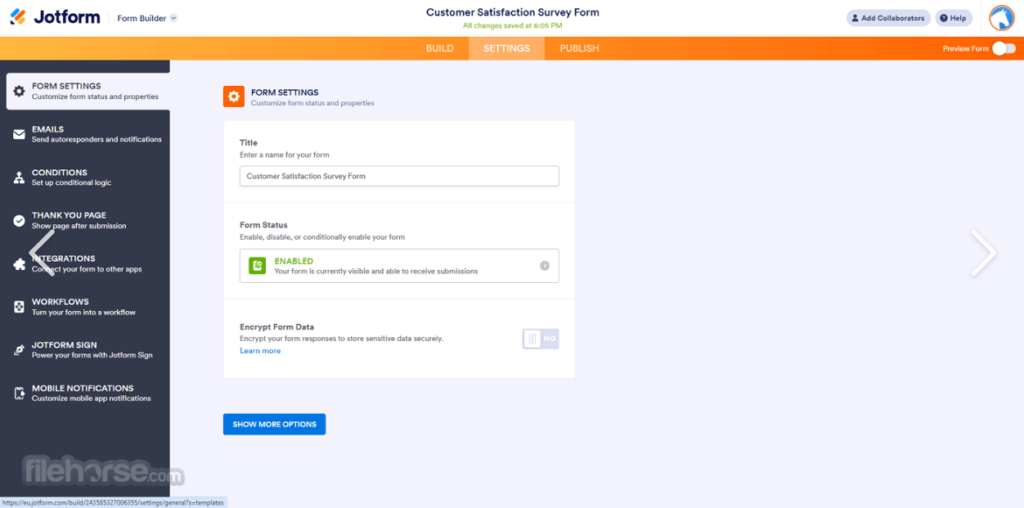
Writing great content is only half the battle. The other half is capturing the readers who land on your page. JotForm lets you build professional lead-capture forms, content-download gates, and reader surveys in minutes — no coding required.
I use it to collect feedback on reviews, run reader polls about which tools to cover next, and build custom intake forms for brand partnership inquiries. The drag-and-drop builder connects to over 200 integrations, including Google Sheets, Mailchimp, and Kit — so every form submission flows directly into your workflow automatically.
Free plan: 5 forms, 100 submissions/month — enough to get started immediately.
3. Canva — Best for Visual Content Creation

Best for: Social media graphics, blog images, Pinterest pins, presentations
Canva isn’t technically a writing tool but every content creator needs it. It replaced hiring a graphic designer for me. Blog post featured images, Pinterest pins, social media graphics — Canva handles all of it in minutes.
What I like: The template library is enormous. You can create professional-looking graphics even with zero design experience. The drag-and-drop editor is intuitive and the free plan is genuinely useful.
The AI features added in 2025 and 2026 are impressive — background removal, image generation, and text-to-design all work well.
What I don’t like: The free plan has limitations on premium templates and assets. The Pro plan at $15/month unlocks everything and is worth it if you’re creating content regularly.
Pricing: Free plan available. Pro plan at $15/month.
Verdict: 4.5/5 — Essential for any content creator who needs visual assets.
4. SEMrush — Best for SEO-Driven Content Strategy
Best for: Content creators who want to rank on Google
SEMrush is the most powerful tool on this list and also the most expensive. It’s not just a writing tool — it’s a complete SEO platform that tells you exactly what to write about to rank on Google.
What I like: The keyword research is best-in-class. The content gap analysis shows you exactly what your competitors rank for that you don’t. The SEO Writing Assistant integrates with Google Docs and gives you real-time optimization suggestions as you write.
For a site like ToolsUnpacked.com where organic search traffic is the primary goal, SEMrush is essential.
What I don’t like: The price. At $139/month for the Pro plan it’s a significant investment. You need to be generating real traffic and revenue before this makes sense financially.
Pricing: Starts at $139/month. Free trial available.
Verdict: 4/5 — The most powerful option but only worthwhile when your site is generating real traffic.
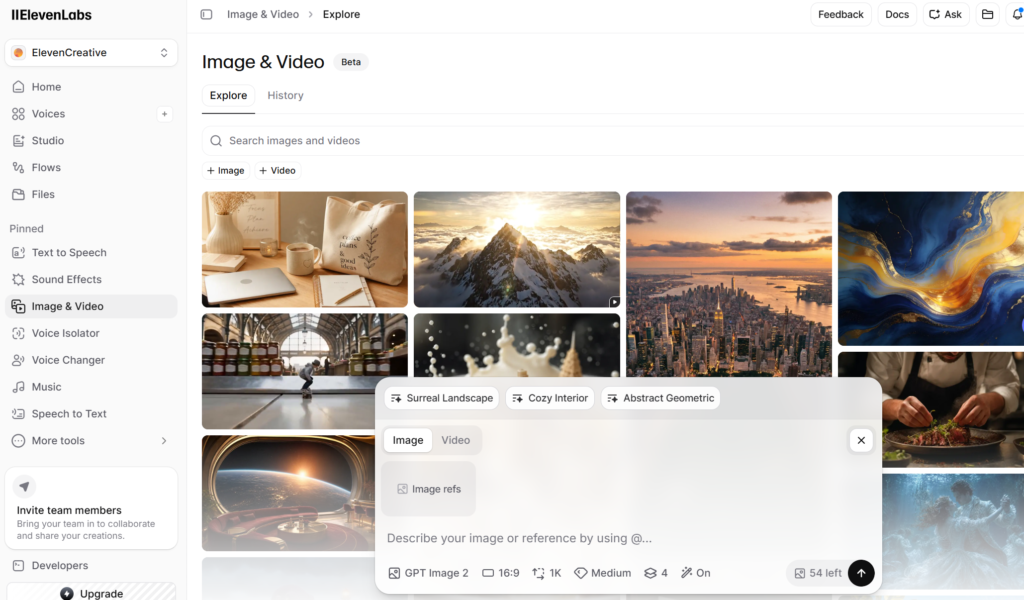
ElevenLabs
ElevenLabs is a strong AI voice tool for creators who want to turn written scripts into realistic voiceovers for YouTube videos, podcasts, ads, tutorials, and social media content.
Best For
- YouTube script creators
- podcasters
- affiliate marketers
- faceless video creators
- content marketers
Which AI Writing Tool Should You Choose?
Here’s my simple recommendation based on where you are:
Just starting out: Start with Writesonic for content creation and Grammarly for editing. Both have free plans. Total cost to start: $0.
Building a content business: Add Canva for visuals. At this stage you’re probably spending $16–$28/month total and producing professional-quality content.
Scaling with SEO: Add SEMrush when your site starts generating traffic and you need data to make strategic decisions.
Final Rankings
| Tool | Best For | Price | Rating |
|---|---|---|---|
| Writesonic | Content creation | From $16/mo | ⭐⭐⭐⭐½ |
| Grammarly | Editing + proofreading | Free / $12/mo | ⭐⭐⭐⭐½ |
| Canva | Visual content | Free / $15/mo | ⭐⭐⭐⭐½ |
| SEMrush | SEO strategy | From $139/mo | ⭐⭐⭐⭐ |
The Bottom Line
The best AI writing tool depends on what you’re trying to accomplish. For most solopreneurs and small business owners starting out, Writesonic + Grammarly is the combination I recommend. Both have free plans, both deliver real value, and together they cover content creation and editing without spending anything upfront.
As your content business grows, add Canva for visuals and eventually SEMrush for SEO data.
If you create video or podcast content, see my Best AI Voice Tools 2026 roundup
Have questions about any of these tools? Drop them in the comments below or reach me at shel@toolsunpacked.com.
— Shelton Lesperance, Linux Systems Administrator & Founder of ToolsUnpacked.com
Prepping for finance or technical interviews?
ToolsUnpacked products are built to help you answer cleaner, avoid preventable mistakes, and show up prepared.
One Comment