

If you run a small business, freelance operation, or online service, forms are one of the fastest ways to automate repetitive work. From lead capture and onboarding to surveys and payment collection, the right form builder can save hours every week.
“Want my free guide — 15 AI Tools That Actually Save You Time in 2026? Grab it free here“
In this Jotform Review 2026, I tested the platform from the perspective of a Linux Systems Administrator focused on workflows, automation, reliability, and ease of use. Instead of marketing hype, this review focuses on whether Jotform actually helps small businesses operate more efficiently.
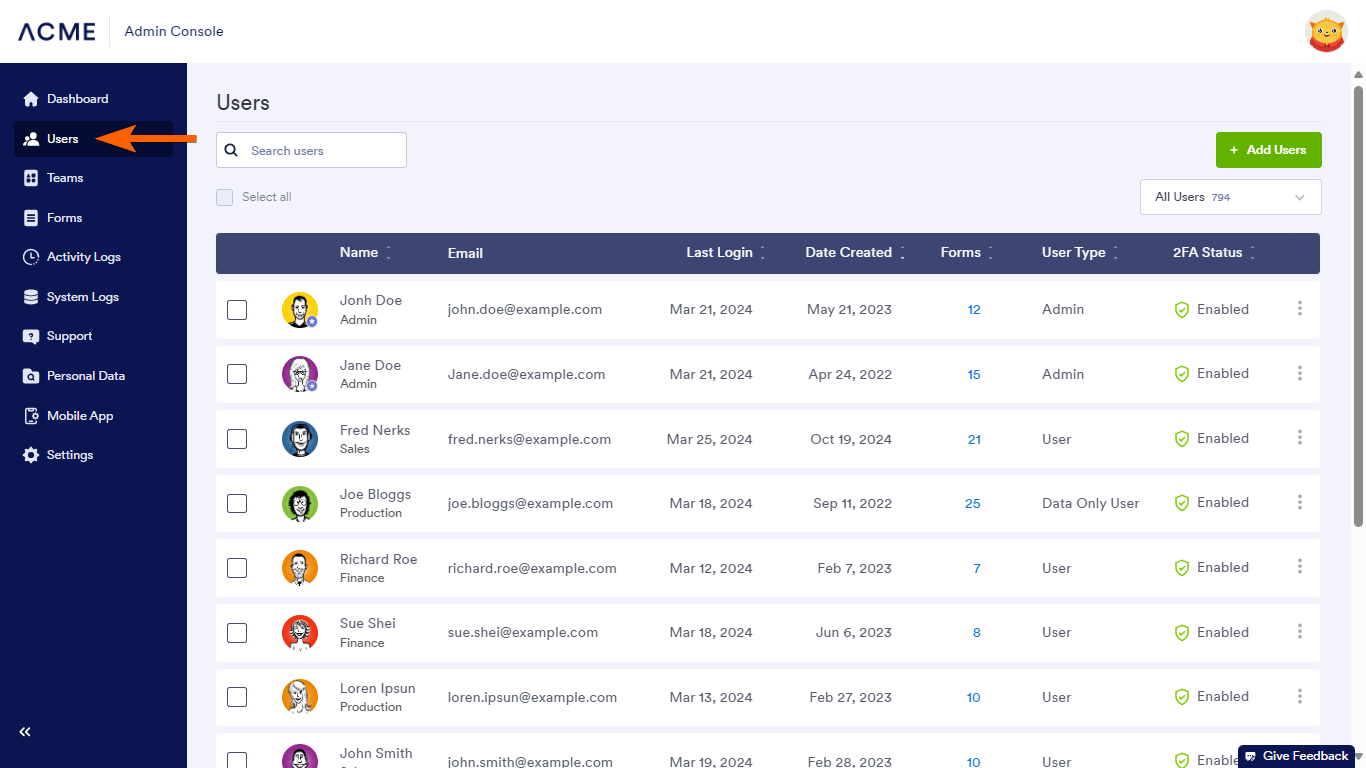
Jotform has evolved far beyond a basic form builder. It now includes AI-powered tools, workflow automation, payment integrations, approval systems, and thousands of templates designed for businesses that want to reduce manual work.
But is it actually worth paying for in 2026?
Let’s break it down.
What Is Jotform?
Jotform is an online form builder platform that helps businesses create forms, collect data, automate workflows, and streamline operations without requiring advanced coding skills.
Originally known mainly for drag-and-drop forms, Jotform has expanded into a broader business automation platform with features that include:
- AI-powered form generation
- Payment collection
- Approval workflows
- PDF document automation
- Electronic signatures
- CRM integrations
- Conditional logic
- Appointment scheduling
- Team collaboration tools
For small businesses, freelancers, agencies, and remote teams, Jotform reduces repetitive manual tasks that normally consume hours every week.
One of the biggest strengths of Jotform is its flexibility. Whether you need a contact form, onboarding workflow, payment form, or internal approval process, the platform offers thousands of templates that can be customized quickly.
From a systems administration perspective, I also found the platform relatively easy to deploy and integrate into existing workflows without requiring complex setup.
Jotform Features
Jotform includes a wide range of tools designed to help businesses automate data collection and reduce repetitive administrative work.
While many form builders focus only on simple contact forms, Jotform expands into workflow automation, payments, approvals, and AI-assisted productivity features.
Below are the most important features I tested during this Jotform Review 2026.
1. Drag-and-Drop Form Builder
The visual editor is beginner-friendly and requires no coding knowledge. Users can quickly create forms using prebuilt blocks, templates, and customization tools.

2. AI Form Generator
Jotform now includes AI-powered tools that can automatically generate forms based on prompts. This helps speed up deployment for businesses that need forms quickly.
For example, users can describe the type of form they need, and Jotform AI creates a working draft automatically.
3. Payment Processing
Jotform supports payment integrations with platforms like PayPal, Stripe, and Square, allowing businesses to collect payments directly through forms.
This is useful for service businesses, freelancers, consultants, and online bookings.
4. Workflow Automation
One of the strongest features is workflow automation. Businesses can automate approvals, notifications, routing, and follow-up actions after a form is submitted.
From an operations standpoint, this reduces manual handling and improves consistency across workflows.
5. Integrations
Jotform integrates with hundreds of third-party platforms including Google Sheets, Slack, HubSpot, Dropbox, Zapier, and CRM systems.
This makes it easier to connect Jotform into existing business systems without requiring advanced technical configuration.
Jotform Pros and Cons
No platform is perfect, and Jotform has both strengths and limitations depending on your business needs.
Pros
- Easy-to-use drag-and-drop interface
- Large template library for fast deployment
- Strong workflow automation capabilities
- Built-in AI form generation tools
- Excellent payment processing integrations
- Supports conditional logic and approval workflows
- Works well for small businesses and remote teams
- Minimal technical setup required
Cons
- Free plan has submission limits
- Advanced workflows may become expensive for growing businesses
- Some customization options are limited compared to fully custom solutions
- Large forms with heavy integrations may occasionally feel slower
From my testing, the biggest advantage of Jotform is speed. Businesses can launch forms and automated workflows quickly without needing developers or complex deployment processes.
However, companies with highly customized enterprise workflows may eventually outgrow some limitations of no-code platforms.
Jotform Pricing
Jotform offers multiple pricing tiers depending on how many forms, submissions, and workflows your business needs.
There is also a free plan available for beginners and small projects.
| Plan | Best For | Main Benefit |
|---|---|---|
| Starter | Beginners | Basic forms and testing |
| Bronze | Small businesses | Higher submission limits |
| Silver | Growing teams | More storage and workflows |
| Gold | Larger operations | Advanced automation capacity |
| Enterprise | Organizations | Custom security and scaling |
For most solopreneurs and small businesses, the Bronze or Silver plans will likely provide enough capacity for forms, automation, and workflow management.
Businesses should evaluate expected submission volume carefully because costs increase as operations scale.
Is Jotform Worth It for Small Businesses?
After testing the platform, I believe Jotform is one of the strongest no-code workflow and form automation tools available for small businesses in 2026.
The platform combines ease of use with powerful automation features that can genuinely reduce repetitive manual work.
From a systems administration perspective, I especially liked the ability to deploy workflows quickly without requiring complex infrastructure or development resources.

If you are building workflows for a growing company, also read our guide on the best AI tools for small business in 2026.
While larger enterprises may eventually require more customized systems, Jotform is an excellent solution for:
- Small businesses
- Freelancers
- Agencies
- Remote teams
- Consultants
- Service businesses
- Online creators
If your goal is to automate forms, reduce repetitive admin tasks, and improve operational efficiency, Jotform is absolutely worth considering in 2026.
Official Website: Visit Jotform
Prepping for finance or technical interviews?
ToolsUnpacked products are built to help you answer cleaner, avoid preventable mistakes, and show up prepared.