
“Want my free guide — 15 AI Tools That Actually Save You Time in 2026? Grab it free here“
Every small business eventually hits the same wall.
Leads coming in from different places. Follow-up emails sitting in someone’s head instead of a system. Deals falling through because nobody remembered to follow up. Customer information scattered across spreadsheets, Gmail, and sticky notes.
This is the exact problem HubSpot was built to solve.
I’m Shelton — a Linux Systems Administrator who evaluates software the same way I evaluate infrastructure. Does it actually perform under real conditions, or does it just look good in a demo?
Here’s my honest HubSpot review after putting it through its paces in 2026.
What Is HubSpot?
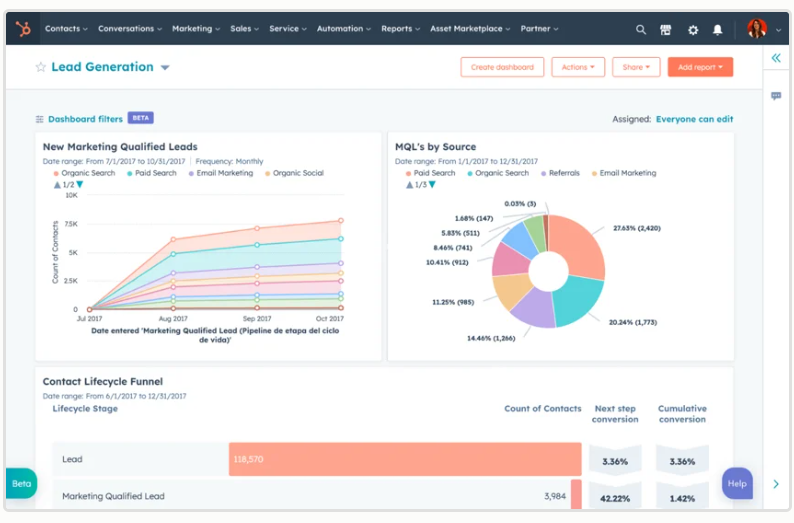
HubSpot is an all-in-one CRM and marketing platform that manages your entire customer relationship lifecycle — from the first website visit to the closed deal and beyond.
It’s not just a contact database. HubSpot combines:
- CRM — track every contact, deal, and customer interaction
- Marketing Hub — email marketing, landing pages, forms, ads
- Sales Hub — pipeline management, deal tracking, email sequences
- Service Hub — customer support tickets and knowledge base
- Content Hub — website CMS, blog, SEO tools
- Operations Hub — data sync, automation, reporting
You can use one module or all of them. That flexibility is HubSpot’s biggest strength — and the reason its pricing gets complicated fast.
Who Is HubSpot For?

HubSpot works for a wide range of businesses but it’s especially powerful for:
- Small businesses with a sales process that needs structure
- Solopreneurs managing client relationships and follow-ups
- Marketing teams running email campaigns and lead generation
- SaaS companies managing trials, onboarding, and churn
- Agencies tracking multiple client projects and pipelines
- IT and fintech teams managing vendor and partner relationships
If you’re currently managing customer relationships in a spreadsheet or relying on memory — HubSpot is the upgrade that changes how your business operates.
HubSpot CRM — The Free Foundation
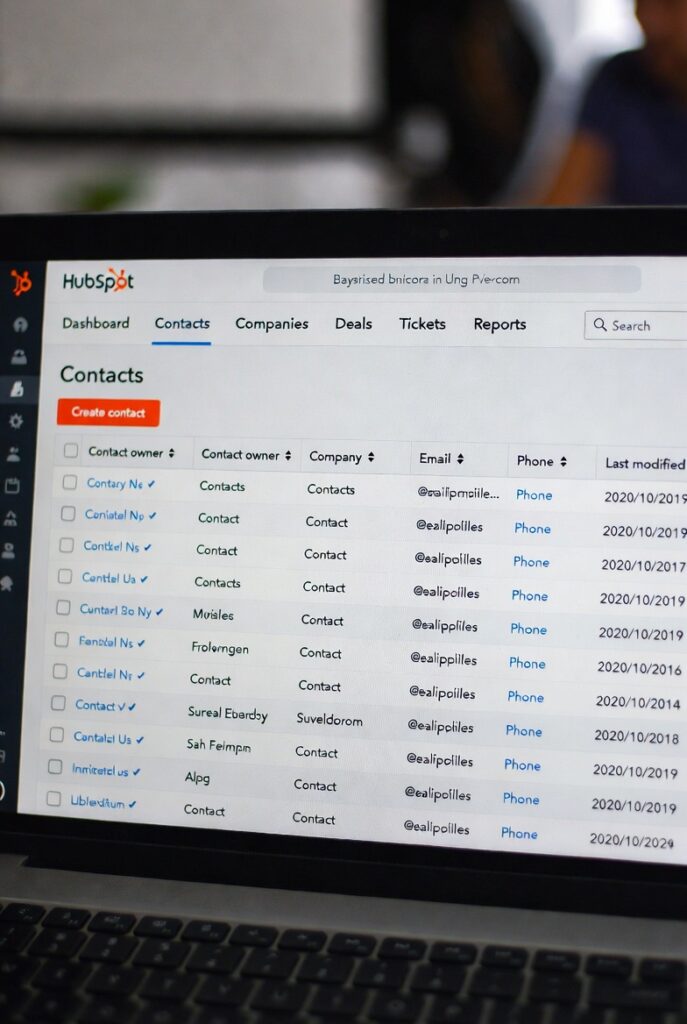
Here’s what most people don’t know: HubSpot’s core CRM is completely free forever.
The free CRM includes:
- Unlimited contacts and companies
- Deal pipeline management
- Contact and company records with full activity history
- Gmail and Outlook integration
- Live chat and chatbot builder
- Meeting scheduling link
- Basic email marketing (2,000 sends/month)
- 5 email templates
- Contact forms
- Basic reporting dashboard
For a solopreneur or small team just getting started with CRM, the free plan is genuinely powerful. I’ve seen small businesses run entirely on HubSpot free for years before needing to upgrade.
HubSpot Paid Plans — What You Actually Get
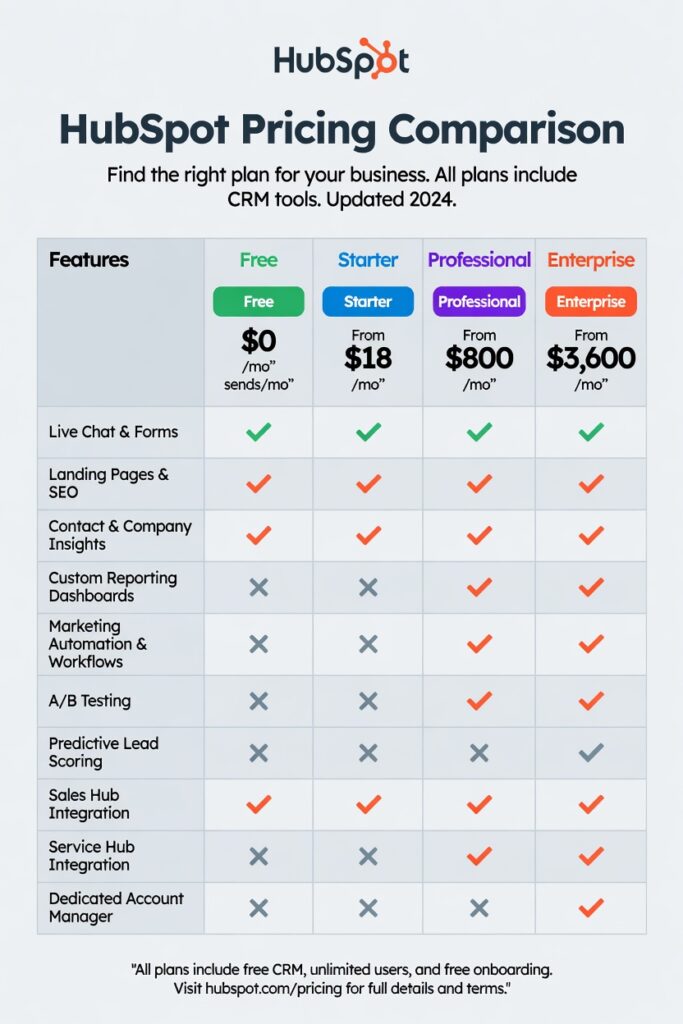
This is where HubSpot gets serious — and expensive.
Marketing Hub:
| Plan | Price | Key Features |
|---|---|---|
| Free | $0 | 2,000 email sends, basic forms |
| Starter | $20/month | 1,000 contacts, email automation |
| Professional | $890/month | Advanced automation, A/B testing, SEO tools |
| Enterprise | $3,600/month | Custom reporting, predictive lead scoring |
Sales Hub:
| Plan | Price | Key Features |
|---|---|---|
| Free | $0 | Basic pipeline, email tracking |
| Starter | $20/month | Email sequences, meeting links |
| Professional | $500/month | Advanced sequences, forecasting |
| Enterprise | $1,500/month | Custom objects, predictive forecasting |
The honest reality: Most small businesses need the Starter plans ($20/month each) which is affordable. The Professional tier jumps dramatically — $890/month for Marketing Hub Professional is a serious investment that only makes sense at scale.
HubSpot Features — What Actually Works
Contact Management
HubSpot’s contact records are the best in the industry. Every interaction — emails sent, calls made, deals created, forms submitted, website pages visited — is automatically logged against the contact record. You open a contact and see their complete history with your business instantly.
For a solopreneur managing 50–200 active client relationships this is transformative. Nothing falls through the cracks.
Email Marketing and Automation
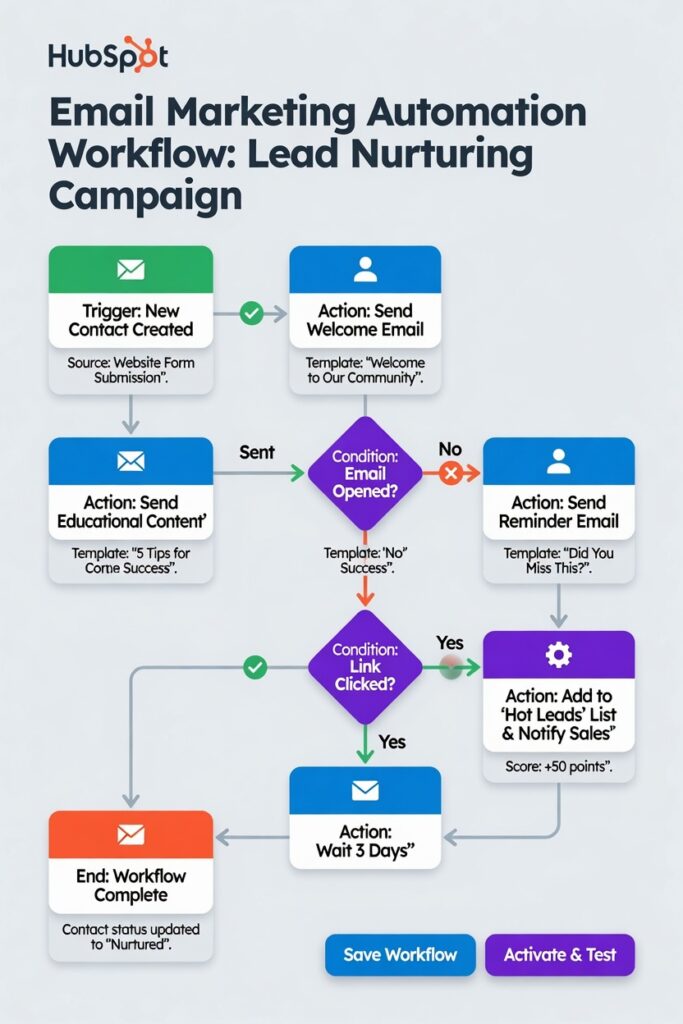
The email builder is clean and the deliverability is excellent. Automated sequences — sending a series of follow-up emails when a lead takes a specific action — work reliably on paid plans. The visual workflow builder is one of the most intuitive in the market.
Pipeline Management
HubSpot’s deal pipeline is drag-and-drop and highly customizable. You can create multiple pipelines for different business processes — sales, onboarding, support escalations. Each deal shows its stage, value, and close date probability at a glance.
Meeting Scheduling
The meeting link feature is genuinely excellent. Share a link, prospects pick a time, it syncs to your Google or Outlook calendar automatically. No back-and-forth emails. This alone saves hours weekly.
Reporting
HubSpot’s reporting is comprehensive on higher plans. Basic dashboards on the free plan show pipeline health, deal activity, and email performance. Professional and Enterprise plans add custom report builders and revenue attribution.
What I Don’t Like About HubSpot
[IMAGE: HubSpot pricing complexity — alt text: "HubSpot pros and cons 2026"]
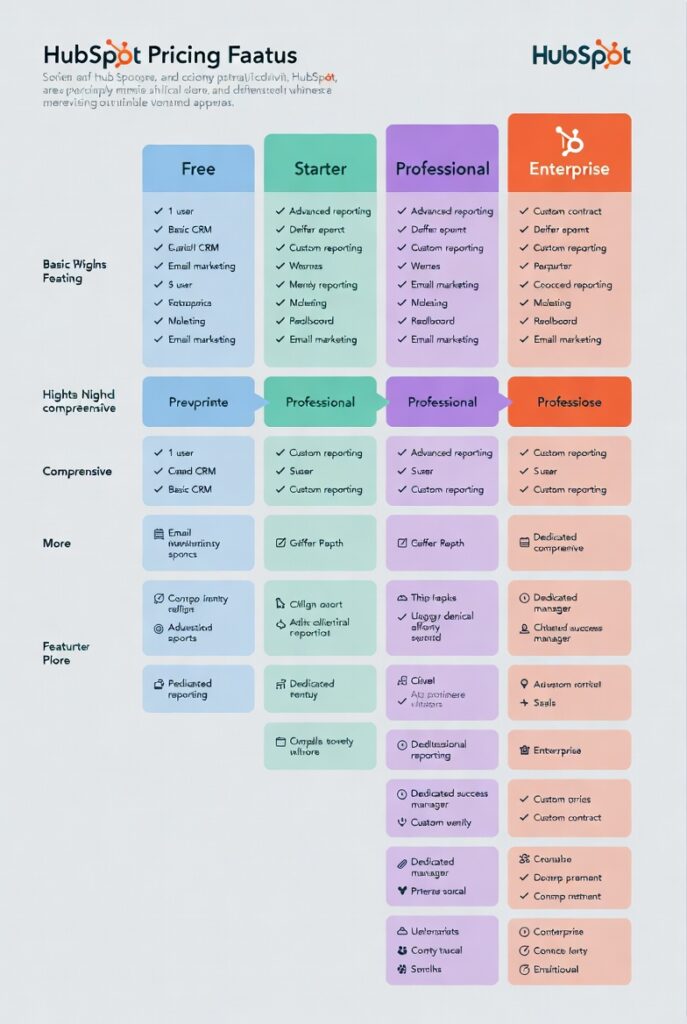
The pricing jumps are brutal.
Going from Starter ($20/month) to Professional ($890/month for Marketing Hub) is a cliff. There’s no middle ground. Many small businesses outgrow Starter but can’t justify Professional — leaving them stuck.
Feature gating is aggressive.
Some features you’d expect in any serious CRM — like A/B testing emails and advanced automation — are locked behind Professional plans. It feels like features were deliberately removed from lower tiers to force upgrades.
Onboarding costs are real.
HubSpot charges mandatory onboarding fees for Professional and Enterprise plans — $3,000 for Marketing Hub Professional onboarding. This isn’t optional. Factor it into your budget.
It can be overwhelming.
HubSpot does everything. For a solopreneur who just needs contact management and basic email marketing the platform can feel like overkill. There’s a real learning curve to using it effectively.
HubSpot vs The Competition
| Feature | HubSpot | Salesforce | Zoho CRM | Monday CRM |
|---|---|---|---|---|
| Free plan | ✅ Generous | ❌ No | ✅ Limited | ✅ Limited |
| Email marketing | ✅ Built-in | ❌ Add-on | ✅ Built-in | ❌ Limited |
| Marketing automation | ✅ Excellent | ✅ Excellent | ✅ Good | ❌ Basic |
| Ease of use | ✅ Very easy | ❌ Complex | ✅ Moderate | ✅ Easy |
| Reporting | ✅ Excellent | ✅ Best-in-class | ✅ Good | ✅ Good |
| Starting price | Free | $25/user/mo | Free | Free |
| Best for | SMB + Marketing | Enterprise | Budget-conscious | Project-based |
Vs Salesforce: HubSpot wins on ease of use and marketing features. Salesforce wins on customization and enterprise scalability. For small businesses HubSpot is the clear choice.
Vs Zoho: Zoho is significantly cheaper. HubSpot wins on interface quality, email marketing, and integrations. If budget is the primary constraint, Zoho is a solid alternative.
HubSpot for IT and SysAdmin Teams
As a Linux SysAdmin I see HubSpot used increasingly in IT operations and fintech environments — not just sales teams.
IT help desk tracking: HubSpot Service Hub manages support tickets, tracks resolution times, and builds a customer-facing knowledge base. For IT teams managing internal stakeholders or external clients it provides structure without the complexity of enterprise ITSM tools.
Vendor relationship management: Track contracts, renewal dates, and communications with technology vendors in one place. Never miss a renewal again.
MSP client management: Managed service providers use HubSpot to track client health, upcoming renewals, and support history across their entire client base.
The free CRM handles all of these use cases at zero cost.
My Verdict
HubSpot Rating: ⭐⭐⭐⭐½ (4.5/5)
HubSpot is the best CRM platform available for small businesses and solopreneurs in 2026. The free plan is genuinely powerful — more capable than most paid CRM tools from five years ago. The paid plans are expensive at the Professional tier but the Starter plans are affordable and add meaningful automation.
Start with the free CRM. If you outgrow it — upgrade to Starter. Only move to Professional when your revenue justifies the investment.
Bottom line: If you’re managing client relationships in a spreadsheet right now, HubSpot free will change how your business operates. There’s no reason not to try it.
👉 Try HubSpot free here ← replace with HubSpot affiliate link when approved
Frequently Asked Questions
Is HubSpot really free? Yes — HubSpot’s core CRM is free forever with no credit card required. The free plan includes unlimited contacts, deal tracking, email marketing, live chat, and meeting scheduling. Paid plans add advanced automation, reporting, and higher volume limits.
Is HubSpot worth it for a solopreneur? The free plan absolutely is. You get a professional CRM, email marketing, meeting scheduling, and pipeline management at zero cost. Paid plans are worth considering when you need advanced automation or are managing a high volume of leads.
How does HubSpot compare to Salesforce? HubSpot wins on ease of use, marketing features, and small business pricing. Salesforce wins on customization and enterprise-scale reporting. For businesses under 50 employees HubSpot is almost always the better choice.
Does HubSpot integrate with other tools? Yes — HubSpot integrates with over 1,500 tools including Gmail, Outlook, Slack, Zapier, Stripe, Shopify, WordPress, and most major marketing platforms.
What is the HubSpot onboarding fee? HubSpot charges mandatory onboarding fees for Professional and Enterprise plans. Marketing Hub Professional requires a $3,000 onboarding fee. Starter plans have no mandatory onboarding cost.
Can I use HubSpot for email marketing only? Yes — many businesses use HubSpot purely for email marketing without using the CRM or sales features. The free plan includes 2,000 email sends per month which is sufficient for small lists.
— Shelton Linux Systems Engineer & Founder of ToolsUnpacked.com
Prepping for finance or technical interviews?
ToolsUnpacked products are built to help you answer cleaner, avoid preventable mistakes, and show up prepared.